
Turning on AI assistance
One switch in Profile covers the Gemini features. Three more switches under it choose Perplexity for day ideas, stays and trip cost. All start off. Premium
Once you have premium, Profile → App shows a short list of switches. Nothing is sent to an AI provider until you switch it on. Every AI switch starts off, and signing out or choosing Start Over on This Device turns them off again.
The main switch: AI assistance
AI assistance is the one switch for everything that uses Google Gemini. Its note in the app says it sends the names and map positions of your trip's places, and its dates, to Google Gemini for sharper travel times, online fact checks, a smarter day order when you Auto-plan, and lunch advice. Your name and email are not sent. What it costs is shown under Running cost.
In practice, turning it on lets these happen:
- Travel times between your areas get a second opinion.
- Check this trip online can look up opening days, closures and holidays on your dates.
- Auto-plan can ask for a smarter day order inside each area.
- Local weather guidance can be written for each scheduled day.
- Lunch advice opens from a day's lunch row.
The three Perplexity switches
These appear only while AI assistance is on, because each one needs it. They choose which provider answers, and each starts off.
| Switch | What it does | What's sent to Perplexity |
|---|---|---|
| Lunch advice from Perplexity | Lunch advice is answered by Perplexity, which searches the web, instead of Google. See Lunch advice. | The city and the names of the stops either side of lunch. |
| Day ideas from Perplexity | Opens the adviser conversation on a day with free time. See Day ideas for a free day. | That day's city and stops, and anything you type to the adviser (up to 300 characters, plus the conversation so far). |
| Stay advice from Perplexity | Suggests mid-range hotels for each base, with typical prices and links. See Where to stay. | The cities, the names and positions of your stops there, and the nights. |
| Trip cost from Perplexity | Estimates what the trip costs per person from prices found on the web. See Trip cost estimate. | The country, cities, journeys and place names. |
The app doesn't send your name or email to Perplexity either.
A separate switch: Weather forecasts
Weather forecasts isn't an AI switch. It shows each planned day's forecast from Open-Meteo. You can have it on with AI off, or the other way round. See Weather forecasts and weather guidance.
Where you'll see the AI at work
When the AI switch is on, a run shows a short panel listing each AI request with a spinner, then a tick or a cross. Profile keeps the latest requests under the switches. See See what the AI did and what it cost. If it can't answer, see When the AI doesn't answer.
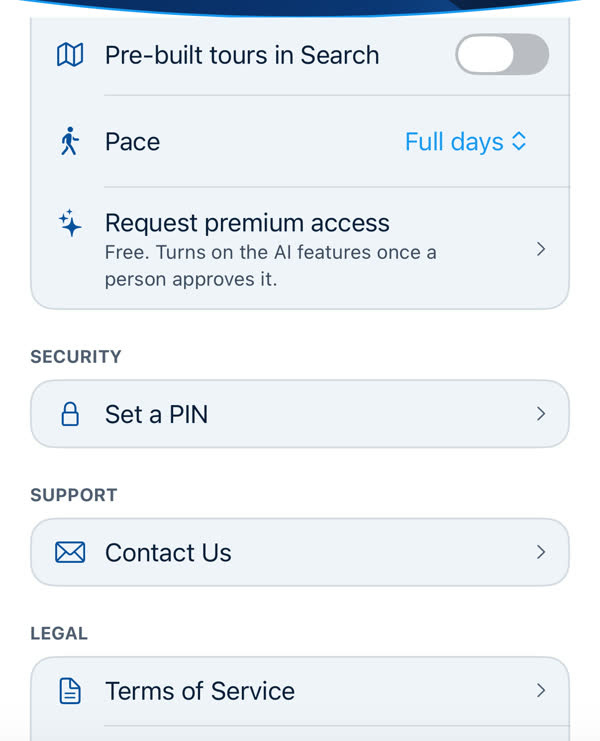
If you aren't premium, none of these switches appear. They're not greyed out, they're simply absent. To ask for access, see How to ask for premium.
Fair use
AI answers are shared, limited and cost real money, so there are limits and a fair use policy. Read it before you rely on any AI feature heavily: Fair use of AI trip planning.
Something missing or wrong on this page? Tell us. A person reads every message. Updated 11 October 2026.