
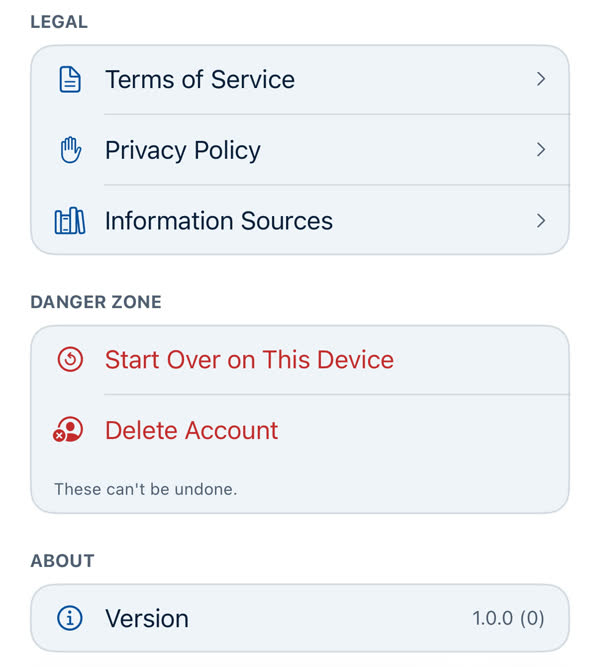
Start Over on This Device
Clears this phone's preferences, sign-in, App Lock and cost history and returns to the Welcome screen. It doesn't delete your account or anything saved online.
Profile → Danger Zone → Start Over on This Device. It asks first: "Start Over on This Device?"
What it clears on this phone
- Your travel preferences, appearance and the onboarding steps you've been through.
- Your sign-in and App Lock.
- The AI and Weather switches.
- This device's Running cost history.
- This phone's notification registration.
Then it returns you to the Welcome screen. The confirmation says: "Your travel preferences, appearance, and onboarding on this device can't be recovered. This also clears your sign-in and App Lock and returns you to the Welcome screen — it doesn't delete your account or anything saved online."
What it doesn't do
- It doesn't delete your account. Your trips and saved places are still there when you sign in again.
- It doesn't affect other phones signed into the same account.
When it helps
- Handing the phone to someone else.
- When something's stuck and signing out and in didn't help.
To remove your account altogether, use Deleting your account.
Something missing or wrong on this page? Tell us. A person reads every message. Updated 11 October 2026.