
Plan your first trip
Six steps from your first saved place to a day-by-day schedule. Tap through them.
You need an account to build a trip, but not to look around. Tap through the steps below. Each links to a fuller guide.
Your first trip, in six steps
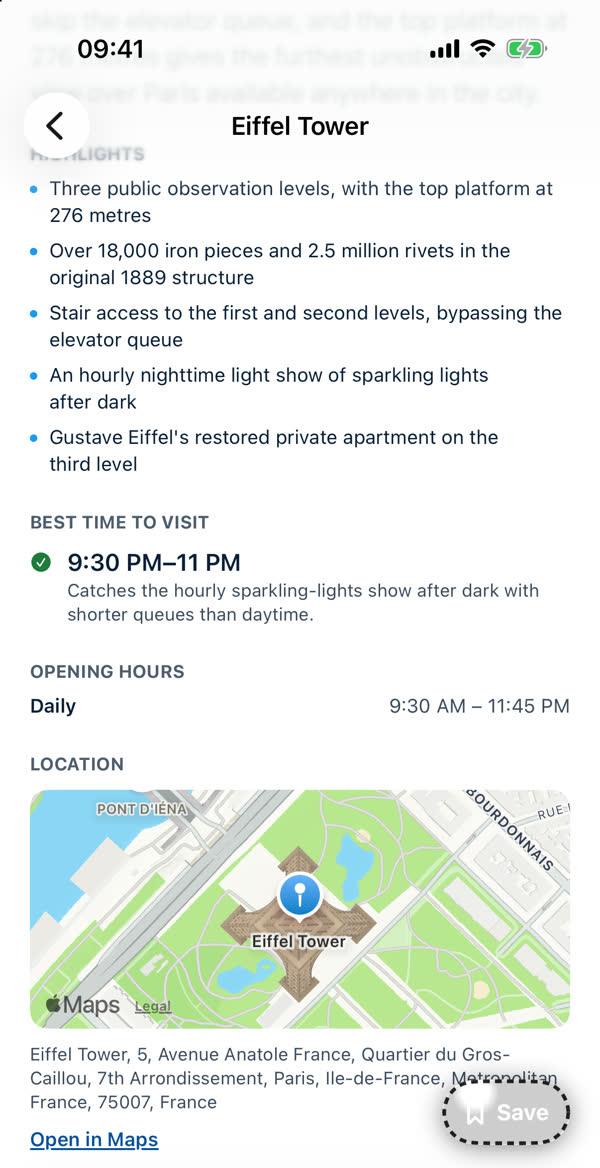
Save places you like
Browse Explore or Search, open a place and tap Save (the bookmark on every card does the same). Saved places wait in your library. You need an account to save.
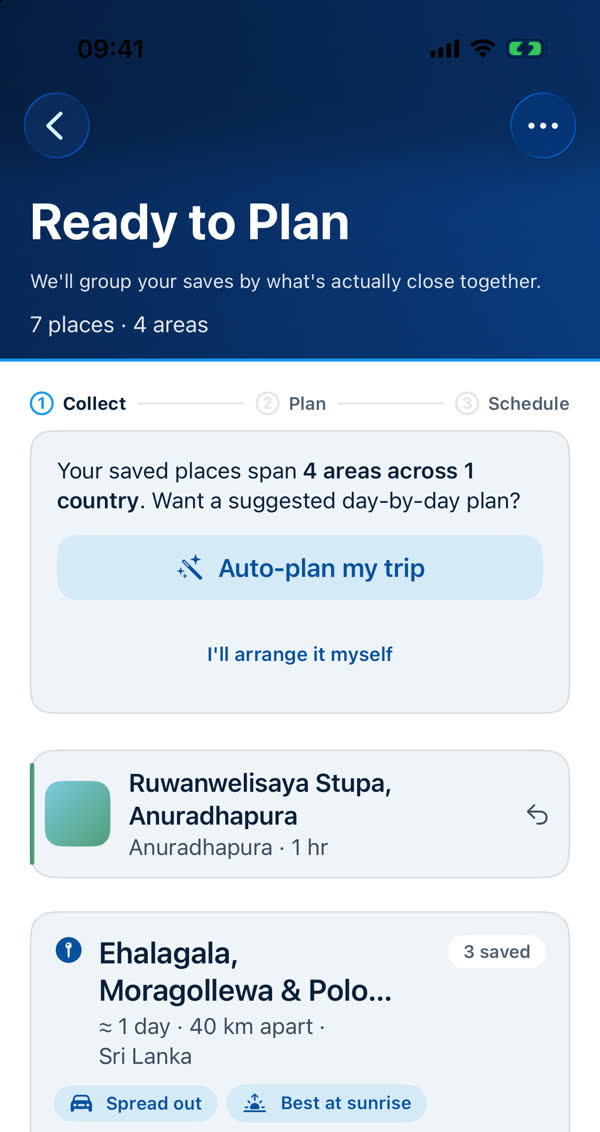
Start a trip from your saved places
Open the Trips tab. The Saved places row shows how many you have and says "Every trip is built from these". Tap Start a trip, or open the list and use Add all for a whole area.
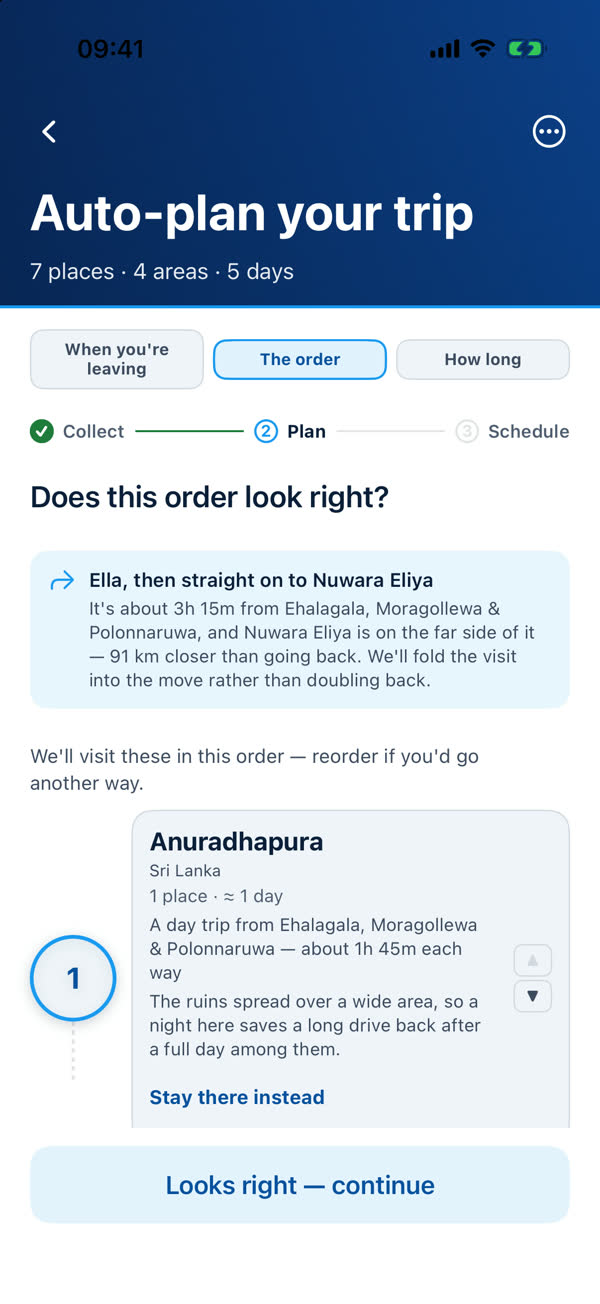
Let Auto-plan lay out the days
Tap Auto-plan my trip. Say when you're leaving home, check the order of your areas and the trip length, then tap Auto-plan my trip again. The app groups places by area and spreads them over days on your phone.
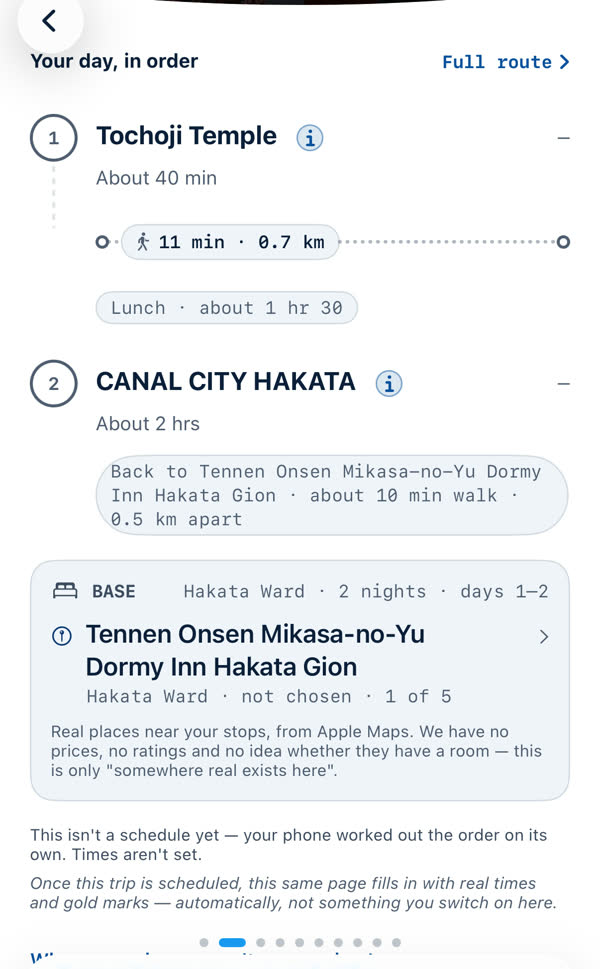
Read each day
Tap Preview plan to walk through the days. Each shows its stops in order, the time between them, lunch and where you sleep. Swipe sideways for the next day.
Build the schedule
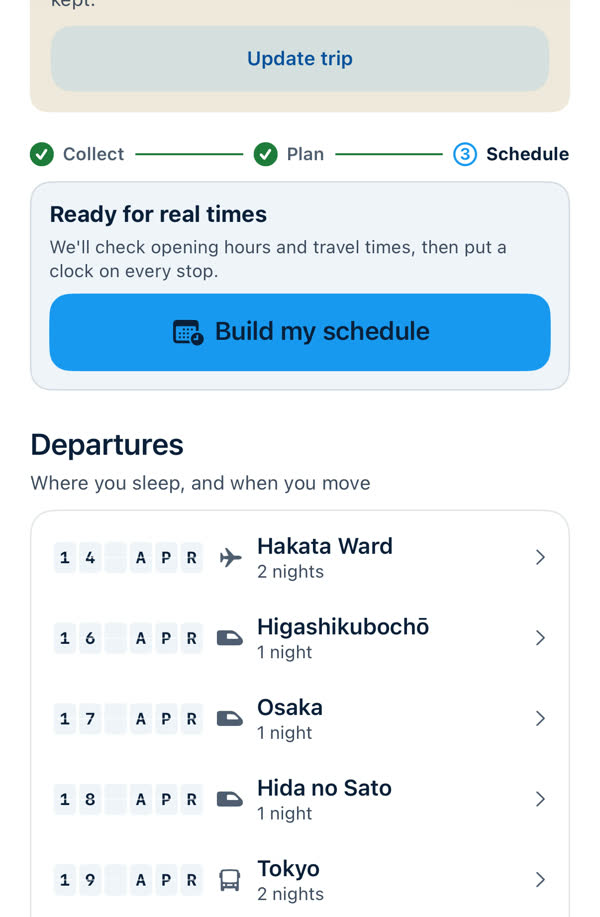
When the plan looks right, tap Build my schedule. The app checks opening hours and travel times and puts a clock on every stop.
Share it, or change your mind
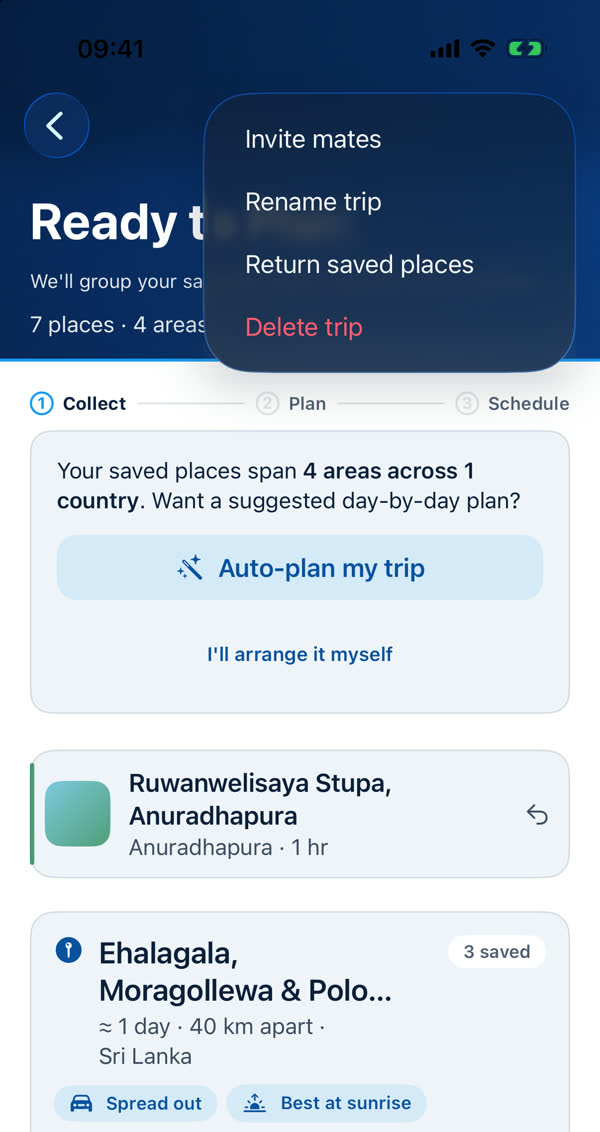
Use Invite mates in the ••• menu to plan with friends. Add places, change dates or trip length any time, then re-plan.
No account yet?
You can browse without one, and tapping a save button or the Trips tab asks you to sign in. See Signing in and having an account.
Something missing or wrong on this page? Tell us. A person reads every message. Updated 11 October 2026.